Google 文字辨識
使用 Google 雲端 OCR 服務,從影像類檔案中解析文字資訊,input 為 OCR 解析回傳的結果。
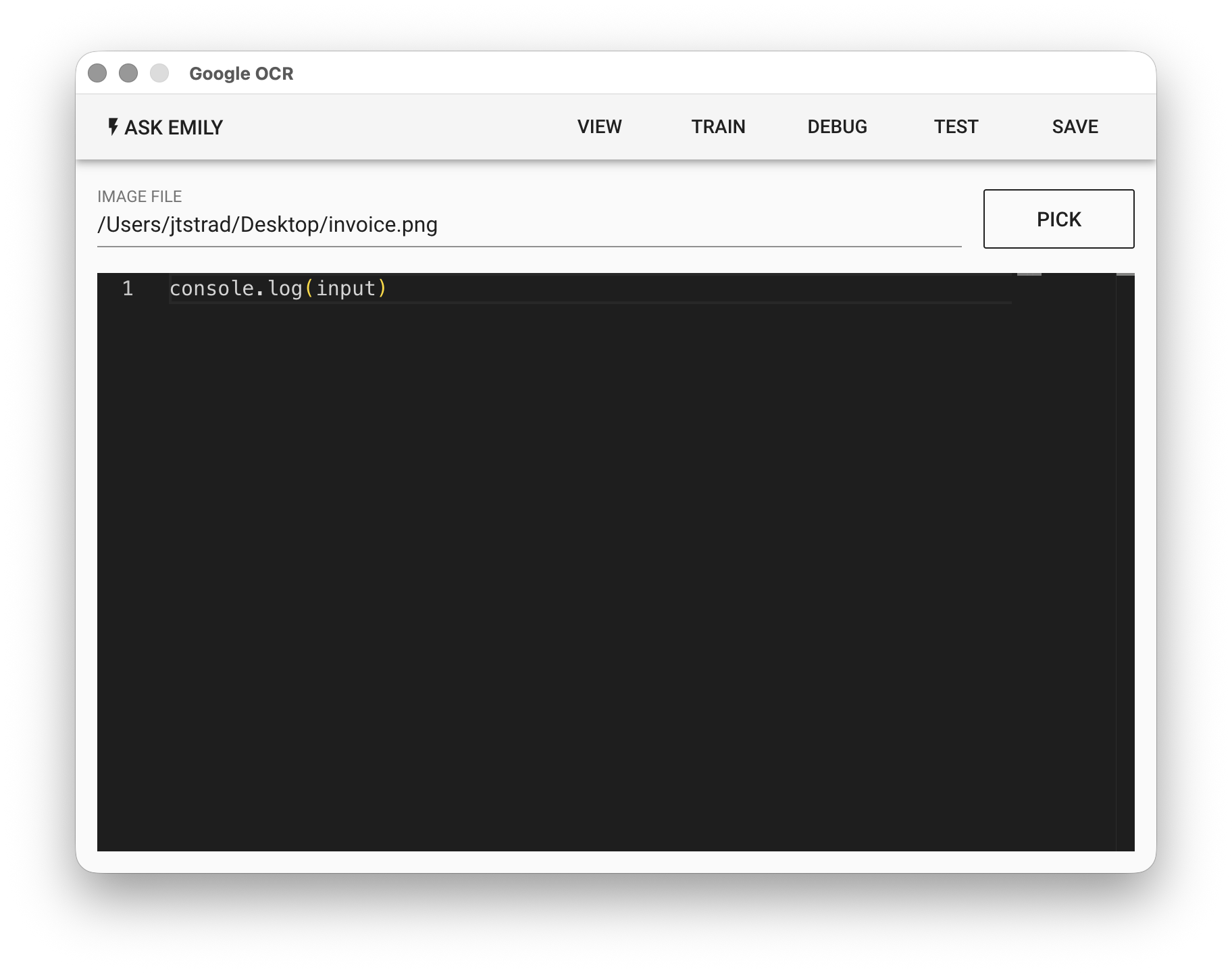
參數
IMAGE FILE - 影像輸入檔,可為 jpg 或 png 格式,點擊「PICK」選取檔案、鍵盤輸入工作資料夾中的檔名,或使用 %FILENAME% 變數。
Low-Code 編輯器
input 物件
{
  // Google OCR 返還物件
  aiReponse: {
    fullTextAnnotation,   // 參考 TextAnnotation 定義
    ...                   // 其他可忽略
  }
  textData,               // 擷取的文字塊陣列
}
input.aiResponse.fullTextAnnotation 保存從 Google OCR 返還的辨識結果,可以參考 TextAnnotation,全文辨識的字串可以從 input.aiResponse.fullTextAnnotation.text 取得。